Replace an Asset
Related assets can be replaced as needed.
- Open Equipment Change Out. See Open Equipment Change Out for more information.
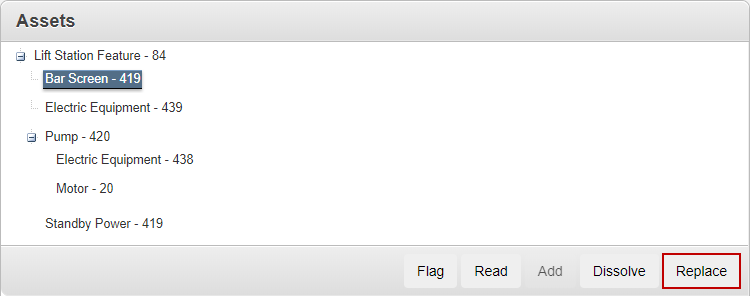
- Select the asset to replace.
- Click Replace.
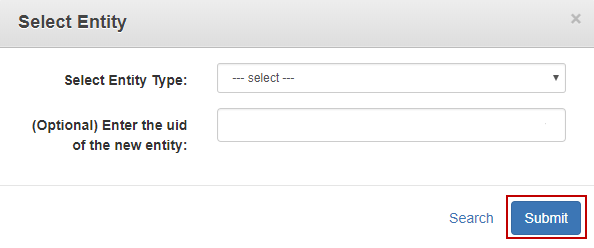
- Select the entity type.
- Enter a UID if desired.
- Click Submit.
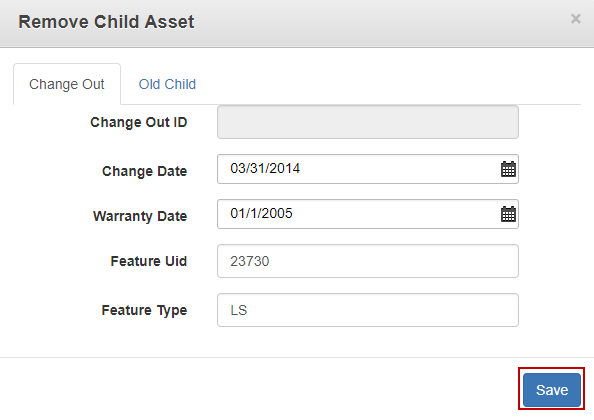
- Enter asset information on the Remove Child Asset panel.
- Click Save.